Ceph on Proxmox: How Hyper-Converged Storage Actually Works (And When It’s Worth Deploying)
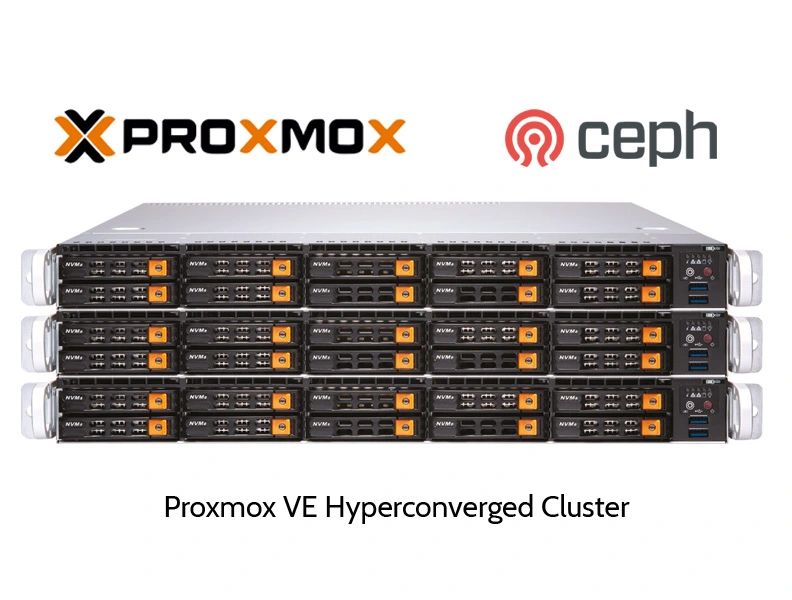
Anyone building a Proxmox VE cluster eventually runs into the same question: how do you give every virtual machine reliable, shared storage without buying an expensive SAN? Ceph is Proxmox’s built-in answer, and it’s become one of the most talked-about features in the self-hosted and enterprise virtualization space. This post breaks down what Ceph actually does inside Proxmox, how it differs from a traditional SAN or NAS setup, what hardware it genuinely needs, and the mistakes that trip up most first-time deployments.
Table of Contents
- What Ceph Actually Does Inside Proxmox
- Why It Matters: High Availability Without a SAN
- How Ceph Distributes and Rebuilds Data
- Hyper-Converged Infrastructure: Killing the Separate SAN
- Snapshots and CephFS
- Minimum Hardware and Node Requirements
- Network Design: The Part Everyone Underestimates
- Common Mistakes When Deploying Ceph on Proxmox
- Is Ceph Right for Your Setup?
- Conclusion
- FAQ
What Ceph Actually Does Inside Proxmox
Ceph is not a Proxmox-exclusive product — it’s a mature, independently developed open-source storage platform that Proxmox VE integrates directly into its web management interface. Once configured, it takes the internal hard drives or SSDs sitting inside several separate physical servers (called “nodes” in a cluster) and merges them into a single logical storage pool.
That pool is then presented back to Proxmox as shared storage. Every node in the cluster can read and write to it simultaneously, which is the foundation everything else in this article builds on.
Image suggestion: diagram showing multiple Proxmox servers connected to a unified Ceph storage pool. Alt text: “Ceph storage pool combining disks from multiple Proxmox nodes.” Title: “Proxmox Ceph architecture diagram.”
Why It Matters: High Availability Without a SAN
The headline benefit of Ceph is that it removes single points of failure from your storage layer. Data isn’t written to one disk on one server — it’s automatically replicated across multiple nodes, with three copies being the standard default configuration for VM disks.
Practically, this means:
- If a node crashes, its data already exists elsewhere in the cluster.
- Proxmox can perform live migration, moving a running VM to a healthy node instantly, without shutting it down.
- There’s no scheduled “storage failover” process to script or babysit — Ceph handles it as part of normal operation.
This is the same category of resilience organizations traditionally paid for with an enterprise SAN, delivered instead through commodity servers and open-source software.
How Ceph Distributes and Rebuilds Data
Ceph doesn’t store a VM’s disk as one file on one drive. It breaks data into objects and spreads them across all available OSDs (Object Storage Daemons — essentially, the individual disks Ceph manages) in the cluster.
Two effects follow from this:
Performance scales with node count. Because reads and writes are spread across many disks at once, aggregate throughput and IOPS increase as you add nodes and OSDs, rather than being capped by a single storage controller.
Recovery is automatic. When you add a new disk or replace a failed one, Ceph rebalances data across the cluster on its own, restoring full redundancy without manual intervention.
Hyper-Converged Infrastructure: Killing the Separate SAN
Ceph is the storage engine behind what’s called Hyper-Converged Infrastructure (HCI) — an architecture where compute and storage run on the exact same physical servers instead of being split into separate tiers.
Proxmox’s own documentation frames this clearly: HCI unifies compute, storage, and networking so they can all be managed through one interface, which is particularly useful for organizations facing high infrastructure demands but limited administrative budgets, including distributed setups like branch offices or private clouds.
In practice, that eliminates:
- Dedicated SAN or NAS hardware purchases
- Fibre Channel or iSCSI storage networking as a separate discipline
- A second team or skill set just to manage “the storage box”
Snapshots and CephFS
Beyond block storage for VM disks, Ceph gives Proxmox two extra tools:
- Snapshots — instant point-in-time copies of a VM disk, useful for rolling back a failed update or risky configuration change in seconds.
- CephFS — a POSIX-compliant shared file system built on top of the same Ceph cluster, letting multiple nodes mount and share the same folders and files, which is handy for shared ISO libraries, container templates, and backup storage.
Minimum Hardware and Node Requirements
This is where a lot of blog posts oversimplify things, so it’s worth being precise.
Nodes: Ceph’s monitor service requires quorum, and Ceph needs an odd number of monitors to determine quorum reliably. Three nodes is the practical minimum for a functioning cluster, but community best-practice discussions on the Proxmox forums frequently recommend five nodes if you want to tolerate two simultaneous node failures instead of just one — three nodes only survive a single failure before write availability is at risk.
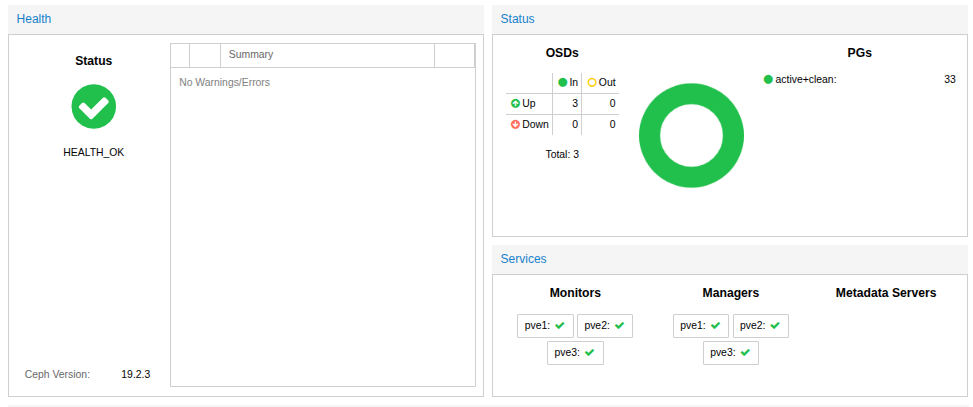
Disks (OSDs): A commonly cited sizing baseline is at least four OSDs per node, meaning a minimal three-node cluster works out to roughly a dozen drives feeding into the pool. Running only two or three OSDs per node is generally discouraged, since it becomes very easy to run out of free space the moment one drive fails and the cluster starts rebalancing.
RAM: Proxmox’s own hardware guidance recommends provisioning at least 8 GiB of memory per OSD for stable performance, on top of whatever memory your VMs and containers already consume — and that headroom needs to survive rebalancing events, not just normal day-to-day load.
Replication factor: The default is three copies of every object (size=3), with a minimum of two copies (min_size=2) required before Ceph will still accept writes during a failure — a setting operators are advised to set deliberately rather than leave on autopilot.
Network Design: The Part Everyone Underestimates
If there’s one area where Ceph deployments go wrong, it’s networking. Ceph’s daemons communicate constantly and purely over the network, so bandwidth and latency here directly determine real-world VM performance — not disk speed alone.
Proxmox’s official recommendation is to provision at least 10 Gbps exclusively for Ceph traffic, and to physically separate it from other cluster traffic wherever possible. For high-performance NVMe setups, the guidance moves up to 25, 40, or even 100 Gbps, since slower networks become the actual bottleneck before the drives do.
A widely cited real-world benchmark reinforces this: 10 Gbps networking gets saturated quickly even with just one fast SSD per node, 25 Gbps gives comfortable headroom, and only at 100 Gbps does the bottleneck fully shift away from the network and onto the Ceph client itself.
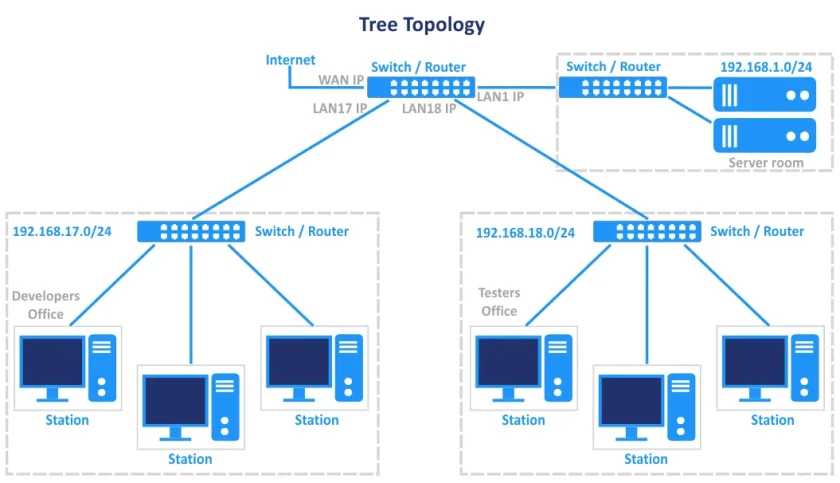
Best practice, when budget allows, is three logically or physically separate networks:
- A very high-bandwidth network for internal Ceph cluster traffic (replication between OSDs)
- A high-bandwidth network for client traffic between VMs and the Ceph cluster
- A low-latency, dedicated network for Corosync, Proxmox’s cluster heartbeat protocol — which is sensitive to latency spikes even if bandwidth needs are modest
Skipping this separation is one of the fastest ways to get random VM freezes under load that look like a Ceph bug but are actually a network design problem.
Common Mistakes When Deploying Ceph on Proxmox
A recurring set of pitfalls shows up across forum threads and field reports:
- Mixing HDDs and NVMe drives in the same performance pool. This drags fast disks down to the speed of the slowest device in the pool.
- Using erasure-coded pools for VM disks. This is a frequent self-inflicted performance issue; replicated pools are the standard choice for active VM storage.
- Treating a 2-node setup as highly available. A witness or third voting node is always required — two nodes alone cannot resolve quorum during a split.
- Ignoring PG (placement group) autoscaler warnings instead of reviewing and adjusting them periodically.
- Not monitoring
ceph -s, OSD performance outliers, and network error counters as routine maintenance, which means problems are discovered by users instead of admins.
Is Ceph Right for Your Setup?
Ceph earns its reputation as the “gold standard” for Proxmox hyper-convergence, but it isn’t free of trade-offs. It genuinely shines in:
- Multi-node production clusters that need zero-downtime maintenance and live migration
- Environments replacing an aging or expensive SAN
- Growing infrastructures where scaling storage and compute independently matters
It’s arguably overkill for a single home server or a two-node lab setup, where simpler options like ZFS with replication may deliver enough resilience without the networking and hardware overhead Ceph expects.
Conclusion
Ceph transforms Proxmox from a set of independent servers into a single, resilient storage fabric — replicating data automatically, surviving node and disk failures without downtime, and enabling instant live migration, all without buying dedicated SAN hardware. The trade-off is that it demands real planning: enough nodes for quorum, enough OSDs per node, sufficient RAM headroom, and — most importantly — a network built specifically for the job. Get those fundamentals right, and Ceph delivers exactly the kind of self-healing, hyper-converged infrastructure that makes a Proxmox cluster genuinely production-ready.
FAQ
How many nodes do I need to run Ceph on Proxmox? Three is the technical minimum, but five is commonly recommended if you want to survive two simultaneous node failures instead of just one.
Does Ceph replace the need for backups? No. Replication protects against hardware failure, not against accidental deletion, ransomware, or a bad configuration change replicated across all copies. A separate backup solution is still essential.
Can I mix SSDs and HDDs in the same Ceph pool? Technically yes, but it’s not recommended — performance drops to the level of the slowest disk type. Separate pools per media class perform far better.
Is 1 Gbps networking enough for Ceph? Not for production VM workloads. Proxmox recommends at least 10 Gbps dedicated to Ceph traffic, with 25 Gbps or higher for NVMe-based clusters.
Want more articles and tutorials like this?
Get new tutorials, security alerts, and IT tips straight to your inbox.