CVE-2026-66066: The Critical Rails Active Storage Flaw That Puts Your Server’s Secrets on the Line
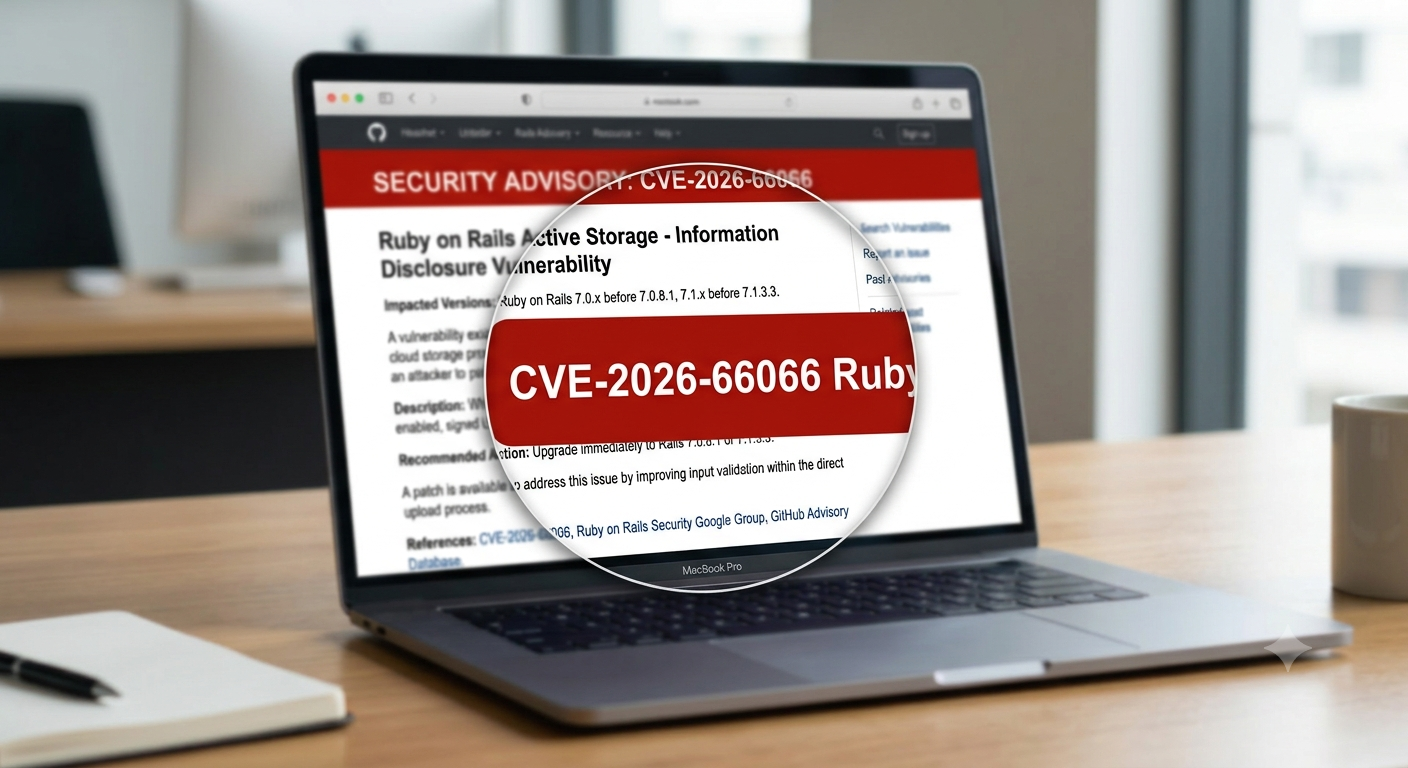
Every few months a vulnerability lands that makes IT teams drop what they’re doing. CVE-2026-66066 is one of those. It hits Ruby on Rails’ Active Storage component, carries a near-maximum CVSS score of 9.5, and can be triggered by nothing more than an image upload. If your application lets strangers upload pictures — an avatar, a product photo, a support ticket attachment — this one deserves your attention today, not next sprint. Here’s what happened, why it’s dangerous, and exactly what to do about it.
Table of Contents
- What Is CVE-2026-66066?
- How the Attack Actually Works
- Why a 9.5 CVSS Score Isn’t an Exaggeration
- Who Is Affected
- Disclosure Timeline
- Step-by-Step Remediation
- Checking Whether You Were Already Hit
- Broader Lessons for Any Rails Shop
- FAQ
- Conclusion
What Is CVE-2026-66066?
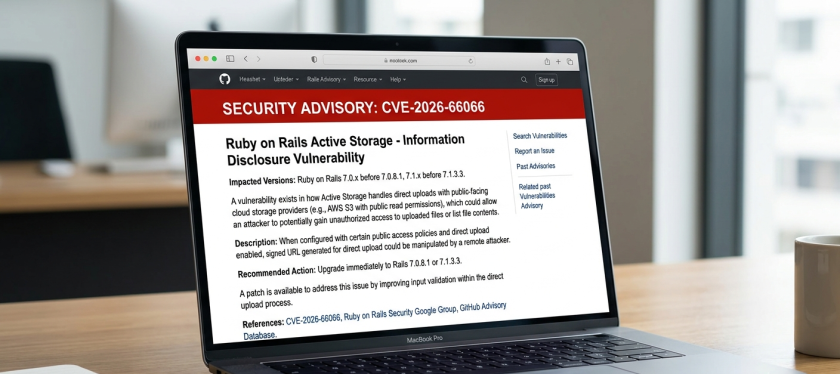
CVE-2026-66066 is a critical vulnerability disclosed by the Ruby on Rails security team on July 29, 2026, affecting Active Storage — the built-in framework Rails uses to handle file uploads, from user avatars to document attachments. The advisory, tracked internally as GHSA-xr9x-r78c-5hrm, was jointly reported by independent security researchers at Ethiack and GMO Flatt Security.
At its core, the bug is classified under CWE-1188 (“Initialization of a Resource with an Insecure Default”). In plain terms: Rails shipped with a risky default setting turned on, rather than off, and nobody without deep libvips knowledge would have noticed.
The Component at Fault: libvips
Active Storage doesn’t process images itself. It hands that job to an image-processing library — either ImageMagick or libvips. Since Rails 7.0, libvips has been the default choice, largely because it’s faster and lighter on memory. That default is exactly what turned a niche configuration issue into a mass-scale problem.
How the Attack Actually Works
Here’s the short version, stripped of jargon:
- libvips ships with certain file-format loaders marked internally as “unfuzzed” or untrusted — meaning their developers know they haven’t been hardened against maliciously crafted files.
- A properly configured application is supposed to tell libvips to refuse these unsafe loaders when handling files from the public.
- Active Storage never sent that instruction. It handed uploaded files straight to libvips with the unsafe loaders still active.
Why an Image Upload Can Leak a Database Password
Because certain libvips loaders can be tricked into reading files from arbitrary paths on the server disk instead of just decoding the uploaded image, an attacker can smuggle a request for a sensitive file — think /proc/self/environ or a Rails credentials file — inside what looks like an ordinary PNG or JPEG. If the app then generates a thumbnail or variant of that “image,” the file contents can be echoed back or embedded somewhere the attacker can retrieve, such as the resulting derivative image itself.
The disturbing part: you don’t need to explicitly request a thumbnail for the exposure to trigger. Security researchers noted that simply having variant generation available in the pipeline was enough — no special interaction beyond the initial upload was required in some configurations.
Public proof-of-concept exploit code has already surfaced, walking through a two-stage process: first uploading an innocuous file to obtain a valid reference, then following up with a crafted payload that abuses the variant-processing step to read protected server files.
Show Image Alt text: “Security researcher analyzing proof of concept exploit code for a Rails vulnerability” — suggested search term: “cybersecurity researcher code analysis monitors”
Why a 9.5 CVSS Score Isn’t an Exaggeration
CVSS scores near the ceiling usually require a rare combination of factors, and this one checks nearly every box:
- No authentication required — the attacker doesn’t need a login, just access to a public upload form.
- Low attack complexity — no timing tricks or race conditions, just a crafted file.
- High confidentiality impact — arbitrary file read on the server.
- Potential chain to remote code execution — if the leaked files include credentials, API keys, or cloud storage secrets, the attacker’s next move can be full application compromise, not just data theft.
It’s worth being precise here: this is primarily an arbitrary file read vulnerability. The remote-code-execution risk is a secondary, downstream consequence — it depends on what secrets happen to be readable by the Rails process and how those secrets can be reused elsewhere. In many production environments, that chain is depressingly short: a leaked secret_key_base can sometimes be leveraged for further attacks, and leaked cloud storage keys can mean an attacker walks straight into your S3 or GCS bucket.
Who Is Affected
You’re in the blast radius if all of the following are true:
- Your application runs Ruby on Rails and uses Active Storage.
- Active Storage is configured to use libvips for image variant processing (the default since Rails 7.0).
- Your application accepts image uploads from untrusted or public users — registration forms, profile pictures, support tickets, marketplace listings, and similar features all count.
Affected Version Ranges
| Rails Branch | Affected Versions | Fixed In |
|---|---|---|
| Rails 8.1 | 8.1.0 – 8.1.3 | 8.1.3.1 |
| Rails 8.0 | 8.0.0 – 8.0.5 | 8.0.5.1 |
| Rails 7.2 | up to 7.2.3.1 | 7.2.3.2 |
| Rails 7.0 / 7.1 | affected, unsupported | must migrate to 7.2.3.2+ |
| Rails 6.x | only if Vips manually enabled | upgrade recommended |
Two groups can breathe a little easier, with caveats:
- Applications using MiniMagick instead of libvips are not exposed through this specific attack path — but it’s worth double-checking your actual
config.active_storage.variant_processorsetting rather than assuming. - Rails 7.0 and 7.1 users get no backported patch at all. Those branches are past their security-support window, so the only real fix is migrating to a currently supported release.
Disclosure Timeline
- Pre-disclosure — Ethiack and GMO Flatt Security independently identify and privately report the flaw to the Rails security team.
- July 29, 2026 — Rails publishes the advisory and ships coordinated patches (7.2.3.2, 8.0.5.1, 8.1.3.1) within minutes of each other.
- Shortly after — Public proof-of-concept exploit code appears, prompting the Rails team to publish fuller technical detail and forensic guidance earlier than originally planned (full details had initially been scheduled for August 28, 2026).
- As of early August 2026 — No confirmed reports of in-the-wild exploitation, though multiple security vendors caution this is not the same as being safe, given how quickly PoC code circulated.
Step-by-Step Remediation
If you run any Rails application with public image uploads, treat this as an emergency patch — not a “next maintenance window” item.
- Identify your exposure. Check
config.active_storage.variant_processorin your Rails configuration to confirm whether you’re using:vips. - Upgrade Rails immediately. Run
bundle update railsand land on 7.2.3.2, 8.0.5.1, or 8.1.3.1 depending on your branch. If you’re stuck on 7.0 or 7.1, plan a migration to a supported release — there is no patch coming for those. - Upgrade libvips to 8.13 or later. The patched Rails code depends on a libvips feature that only exists from version 8.13 onward. If your libvips is older, a patched Rails app will actually refuse to boot rather than run in an unsafe state — treat that as a feature, not a bug, and update the library.
- Update the ruby-vips gem to 2.2.1+ if your application interacts with libvips directly rather than solely through Active Storage.
- Rotate every secret the Rails process can read. This includes
secret_key_base, the Rails master key, everything decrypted fromconfig/credentials.yml.enc, database credentials, and any cloud storage keys (S3, GCS, Azure Blob) used by Active Storage. Patching closes the door; it does not undo a theft that may have already happened. - Check for broken image formats after patching. Some legitimate but rarely used formats — BMP, ICO, PSD — may stop generating variants once the unsafe loaders are disabled. If your app depends on these, you’ll need to explicitly review your
variable_content_typesconfiguration rather than reverting the fix.
Checking Whether You Were Already Hit
Patching stops future exploitation, but if your logs show suspicious upload activity before you patched, a deeper look is warranted:
- Review web server and application logs for repeated upload requests to the same endpoint with unusual file naming patterns, particularly requests that don’t match standard image MIME types.
- Look for outbound requests or generated “variant” files that are unusually large relative to the original upload — a symptom of file contents being smuggled through the processing pipeline.
- If in doubt, engage an incident response provider before assuming a clean bill of health. Several security vendors have published forensic tooling alongside this disclosure specifically to help teams check their logs retroactively.
Broader Lessons for Any Rails Shop
Beyond the immediate fire drill, CVE-2026-66066 is a useful reminder of a pattern that shows up again and again in web application security: a “convenience default” quietly becomes an attack surface. libvips didn’t ship broken — it explicitly labeled certain loaders as unsafe for untrusted input. The gap was that the framework wrapping it never passed that instruction along.
If you maintain any application that processes user-supplied files — not just images, but PDFs, videos, or documents — it’s worth asking the same question about every library in that pipeline: does it have an “untrusted input” mode, and is it actually turned on? Defaults optimized for developer convenience are not always the defaults you want in production.
FAQ
Do I need to be running the latest Rails version to be safe? No — you need to be on one of the specific patched point releases (7.2.3.2, 8.0.5.1, or 8.1.3.1), not necessarily the newest major version.
Is my app safe if I don’t generate image thumbnails? Not necessarily. Researchers found that having variant processing available in the pipeline could be enough to trigger exposure in some configurations, even without an explicit thumbnail request.
Does using ImageMagick instead of libvips protect me? Yes, this specific vulnerability path does not affect ImageMagick-based configurations — but it’s worth confirming your actual configuration rather than assuming.
Is there evidence of active attacks right now? As of this writing, no confirmed in-the-wild exploitation has been reported, but public proof-of-concept code exists, and the window between disclosure and exploitation attempts is typically short for flaws this severe.
Conclusion
CVE-2026-66066 checks nearly every box that makes a vulnerability keep security teams up at night: no authentication needed, a common default configuration, a trivial-looking trigger (an image upload), and a plausible path to full credential exposure. The fix itself is straightforward — patch Rails, update libvips, rotate your secrets — but the value of doing it today rather than this quarter is hard to overstate given how quickly proof-of-concept code appeared after disclosure.
If your team runs Rails in production, this is a five-item checklist worth running through this week, not filing away for later.
Want more articles and tutorials like this?
Get new tutorials, security alerts, and IT tips straight to your inbox.
That’s a really important reminder about Active Storage. It’s easy to overlook these seemingly small vulnerabilities when dealing with so many moving parts.