Apple Services Hit by Major Outage: iCloud, App Store and Apple Music Experience Disruptions
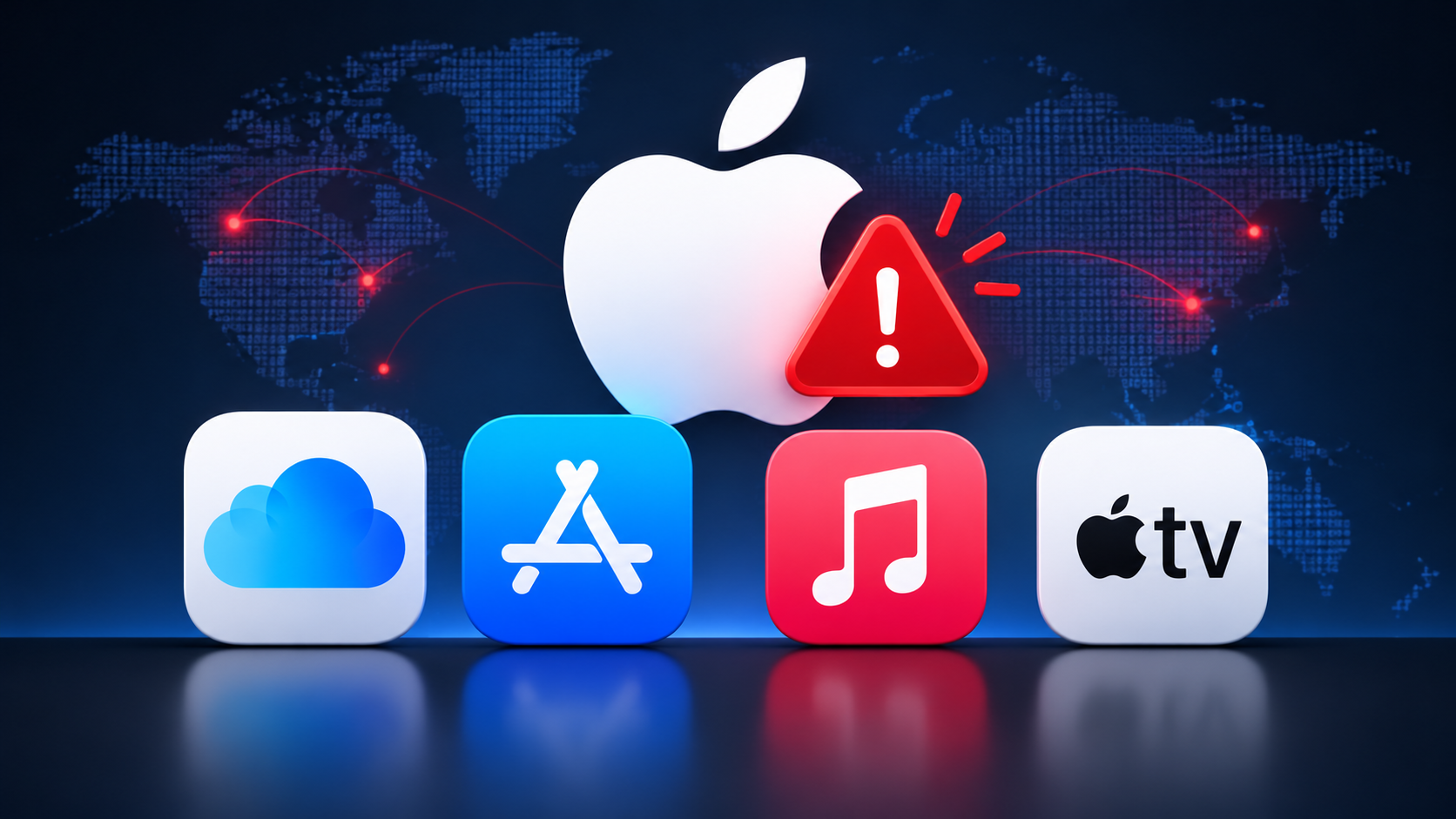
Apple users experienced widespread service disruptions on Tuesday, November 17, 2026, affecting several of the company’s online services, including iCloud, the App Store and Apple Music. The incident prevented some customers from signing in, downloading applications and accessing their Apple accounts. Apple later confirmed that an internal software update caused the disruption, ruling out a cyberattack.
Quick Summary: Apple experienced a major service outage on November 17, 2026, affecting iCloud, App Store, Apple Music and other services. The company attributed the incident to an internal update, not a cyberattack. Most affected services were restored later that day.
Table of Contents
- What Happened to Apple’s Services?
- Which Apple Services Were Affected?
- What Problems Did Users Experience?
- What Caused the Apple Outage?
- Has Apple Restored Its Services?
- How to Check Apple’s Service Status
- What Should You Do If iCloud Is Not Working?
- Conclusion
- Frequently Asked Questions (FAQ)
What Happened to Apple’s Services?
On Tuesday, November 17, Apple experienced a significant technical disruption that affected multiple services across its ecosystem.
The first reports indicated problems with iCloud account access and sign-in functionality. Users began experiencing difficulties accessing their Apple accounts, while some encountered errors when trying to use services connected to their Apple IDs.
The situation expanded as Apple acknowledged additional problems affecting the App Store, Apple Music and AppleCare on Device.
According to Apple’s System Status page, some affected services could be slow or temporarily unavailable, with certain issues impacting all users.
The disruption attracted attention because Apple’s ecosystem relies heavily on interconnected services. When account authentication or cloud infrastructure experiences problems, the impact can extend beyond a single application.
News outlets including TechCrunch and 9to5Mac reported the incident as it developed.
Which Apple Services Were Affected?
The outage was not limited to iCloud. Several Apple services experienced interruptions during the incident.
Here are the main services affected:
| Apple service | Reported problem |
|---|---|
| iCloud Account & Sign In | Slow or unavailable account authentication |
| iCloud Mail | Users experienced access problems |
| iCloud.com | Web applications became unavailable |
| App Store | Users experienced difficulties accessing and purchasing apps |
| Apple Music | Connection and service availability problems |
| AppleCare on Device | AppleCare purchases temporarily unavailable |
| Apple School Manager | Slow or unavailable service |
| Apple Business | Service availability issues |
| Schoolwork | Access and performance problems |
Apple also reported issues affecting some developer-facing services, including App Store Connect and Apple Music APIs.
The incident demonstrated how a problem affecting Apple’s account and cloud infrastructure can impact multiple products simultaneously. TechCrunch+2
What Problems Did Users Experience?
Users reported several problems across iPhones, iPads, Macs and Apple’s online platforms.
Some of the most common reported symptoms included:
- Unexpected iCloud sign-outs: Some users found themselves signed out of their Apple accounts.
- Login failures: Attempts to sign back into iCloud returned verification errors or unexpected messages.
- App Store connection problems: Users experienced difficulties loading the store and downloading applications.
- Apple Music interruptions: Some customers could not access the music streaming service normally.
- iPhone activation problems: Users reported difficulties activating or restoring new devices.
- Apple account verification errors: Authentication attempts across different Apple services failed.
One important detail is that these problems did not necessarily affect every customer in the same way. Their impact depended on the service being accessed and the timing of the disruption.
For users who depend on iCloud to synchronize photos, contacts, documents and other personal information, even a temporary authentication problem can be particularly frustrating.MacRumors+2
What Caused the Apple Outage?
Initially, Apple did not provide a technical explanation for the disruption.
However, the company later confirmed that an internal update caused the service interruptions.
In a statement reported by Reuters and other technology publications, Apple explained that many of its systems had already returned to normal operation and that its teams were working to restore the remaining services.
Apple also clarified that the incident was not caused by a cyberattack. Reuters+2
This distinction matters because widespread service outages can sometimes trigger speculation about ransomware, distributed denial-of-service (DDoS) attacks or other security incidents.
In this case, Apple attributed the disruption to an internal technical change rather than malicious activity.
Why Can an Internal Update Cause Such a Large Outage?
Large technology companies operate complex infrastructures involving thousands of interconnected systems.
An internal update can affect several components, including:
- Authentication and identity management systems.
- Cloud infrastructure and storage services.
- Application programming interfaces (APIs).
- Database connections.
- Backend services responsible for processing requests.
When one of these components experiences an unexpected problem, other services that depend on it may also become unavailable.
For example, if an authentication service encounters an issue, users might struggle to sign in to iCloud, access the App Store or authenticate their Apple accounts in other applications.
This is why companies need extensive testing, staged deployments, monitoring and rollback procedures before applying changes to production environments.
Has Apple Restored Its Services?
Major disruption resolved
Yes. Apple progressively restored its affected services during Tuesday, November 17.
According to TechCrunch, Apple’s System Status page showed that all the reported outages had been resolved by approximately 6 PM Eastern Time.
However, service recovery can happen gradually, and some users may continue experiencing temporary connection or authentication problems even after Apple marks a service as operational. TechCrunch+1
Users who continue experiencing problems should check Apple’s official service status page before troubleshooting their devices.
How to Check Apple’s Service Status
Apple provides an official page where users can monitor the availability of its online services.
Apple System StatusVisit Apple’s official System Status page
The page provides information about services such as:
- iCloud
- App Store
- Apple Music
- Apple Pay
- Apple Account
- Apple Developer services
- Apple Maps
- Apple TV
Apple uses status indicators to show whether services are operating normally or experiencing problems.
Checking this page is a useful first step before changing device settings or attempting more complicated troubleshooting.
What Should You Do If iCloud Is Not Working?
If you still experience iCloud or App Store problems after an outage, try these basic troubleshooting steps:
1. Check Apple’s System Status
Visit Apple’s System Status page to determine whether the problem comes from Apple’s infrastructure.
If Apple reports an ongoing outage, waiting for the company to restore the service is usually the best option.
2. Check Your Internet Connection
Make sure your device has a working internet connection.
Try switching between Wi-Fi and mobile data to determine whether the issue is related to your network.
3. Restart Your Device
Restarting your iPhone, iPad or Mac can sometimes resolve temporary connectivity or authentication problems.
4. Avoid Repeatedly Changing Your Apple Account Password
If Apple’s authentication infrastructure is experiencing problems, repeatedly attempting to sign in or reset your password may not solve anything.
Wait until Apple confirms that its account services are operational before making unnecessary account changes.
5. Update Your Device
Make sure your device runs a supported version of iOS, iPadOS or macOS.
However, avoid installing updates from unofficial sources or following suspicious links claiming to fix an Apple outage.
Conclusion
The November 17 Apple outage affected several important services, including iCloud, the App Store, Apple Music and AppleCare.
Although the disruption caused login failures, connectivity problems and difficulties accessing applications, Apple confirmed that an internal update was responsible and ruled out a cyberattack.
The incident is another reminder of how dependent modern devices are on cloud infrastructure and centralized authentication systems. Even when smartphones and computers work perfectly, problems with backend services can prevent users from accessing essential features.
Apple restored the affected services later that day, but users can always consult its official System Status page to check for future incidents.
Frequently Asked Questions (FAQ)
1. Is Apple iCloud down today?
Apple experienced iCloud disruptions on November 17, 2026. The company subsequently restored the affected services. Check Apple’s System Status page for the latest availability information.
2. Why was the Apple App Store not working?
The App Store experienced technical problems during Apple’s November 17 outage. Apple attributed the broader incident to an internal update.
3. Was the Apple outage caused by a cyberattack?
No. Apple confirmed that an internal update caused the disruption and clarified that it was not the result of a cyberattack.
4. Which Apple services were affected?
Affected services included iCloud, App Store, Apple Music, AppleCare on Device, iCloud Mail, iCloud.com and several business and education services.
5. How can I check whether Apple services are working?
Visit Apple’s System Status page to check the availability of individual services.
Want security alerts before they hit your servers?
We flag critical CVEs and show you how to check and patch them, in plain language and with commands you can run today.
- Critical CVE alerts with fixes
- Hardening checklists
- Defence and lab guides
No spam. Unsubscribe anytime.